

2025 is just around the corner, and for many gamers, the question arises: How do I get an affordable gaming PC that still delivers decent performance? Whether you’re a beginner or an experienced player, the selection of hardware is vast, and prices vary greatly. In this article, we’ll look at the best options for every budget and give tips on how to get the most out of your budget.
Key Insights
- An affordable gaming PC doesn’t have to be expensive to be fun.
- Used components can be a cost-effective alternative.
- A balanced system offers the best price-performance ratio.
- When building your own, compatibility and future upgradability are crucial.
- New technologies can significantly boost performance but are often more expensive.
Budget-Friendly Gaming PCs for Beginners
Tips for Buying an Affordable Gaming PC
Want to dive into the world of gaming without spending a fortune? No problem! Here are a few tips that can help you find the perfect gaming PC for your budget:
- Set priorities: Decide which games you want to play and what performance you need for them. Simple games don’t require high-end hardware.
- Used components: Consider buying used parts. Often, second-hand graphics cards or processors are much cheaper and still offer good performance.
- Compare prices: Use price comparison sites to find the best deals. Sometimes there are surprisingly cheap deals.
An inexpensive gaming PC can bring you as much joy as an expensive one. It’s about getting the most out of your budget.
Recommended Components for Beginners
If you want to build a gaming PC that is both affordable and powerful, you should consider the following components:
- Processor: AMD Ryzen 5 5500 or Intel i3-12100F offer good performance at a fair price.
- Graphics card: An Nvidia GTX 1650 or AMD Radeon RX 6500 XT is more than enough for most beginner games.
- RAM: 16 GB DDR4 RAM is ideal for ensuring smooth gameplay.
- Storage: A combination of a 500 GB SSD for the operating system and important games, as well as a 1 TB HDD for other data, is optimal.
How to Get the Most Out of a Small Budget
A small budget doesn’t mean you have to miss out on good gaming. Here are a few tricks to get the most out of your money:
- Plan upgrades: First, buy the basic components and upgrade later when you have more budget.
- Avoid expensive brands: Often, no-name products offer similar quality at a fraction of the price.
- Build it yourself: Assemble your PC yourself. This not only saves money but also teaches you how your system works.
With these tips and tricks, you can put together a gaming PC that meets your needs without breaking the bank.
Price-Performance Winners: Gaming PCs for Advanced Users
The Best Components for a Balanced System
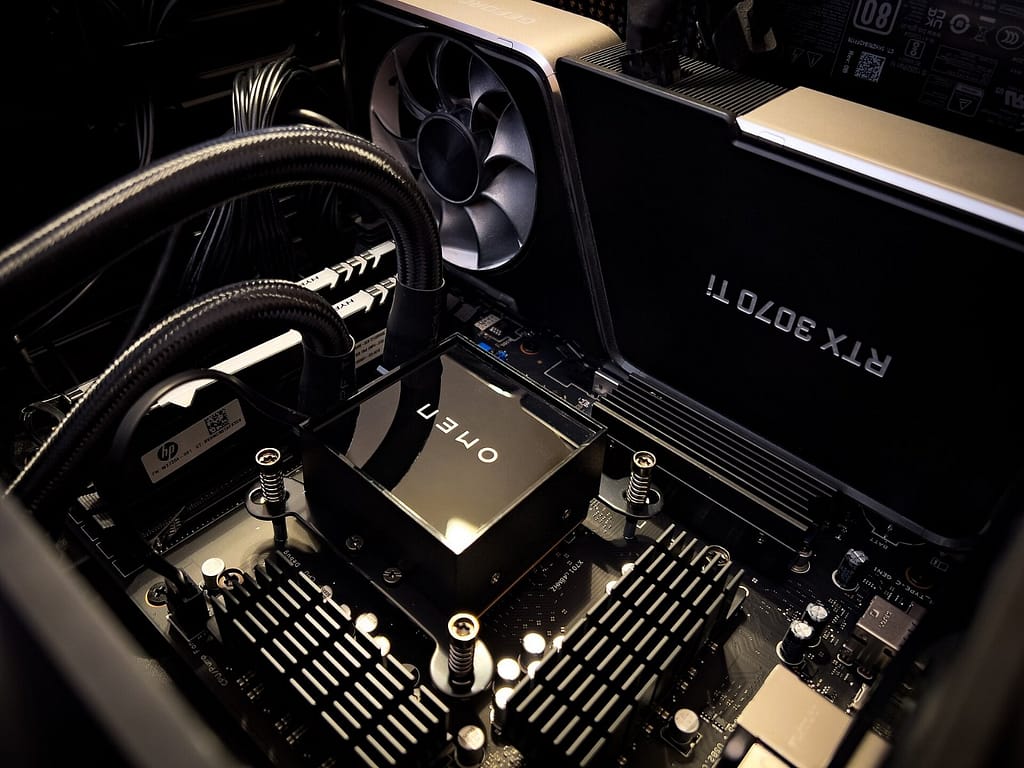
So you want a gaming PC that not only saves your budget but also delivers decent performance? No problem! Here are a few components you should definitely consider:
- Processor: An AMD Ryzen 5 or Intel i5 of the latest generation is often more than enough. These CPUs offer enough power for most games and are still reasonably priced.
- Graphics card: The Nvidia GeForce RTX 3060 or an AMD Radeon RX 6700 XT are great options. They deliver great graphics performance without breaking the bank.
- Memory: 16 GB RAM is now standard. This will equip you well for most games and applications.
- Storage: A combination of SSD and HDD is ideal. A 500 GB SSD for fast load times and a 1 TB HDD for your game library.
How to Balance Performance and Costs
The secret to a good price-performance PC lies in balance. Here are a few tips on how to get the most out of your money:
- Compare prices: Check out different providers and compare prices. Sometimes there are great deals you shouldn’t miss.
- Build it yourself: If you trust yourself to assemble your PC, you can often save money. It’s easier than you think, and there are many guides online.
- Upgradability: Make sure your PC is easy to upgrade. This way, you can later replace individual components instead of buying a new PC.
Recommended Builds for Advanced Users
Here are a few recommended builds that can serve as inspiration:
- The All-Rounder:
- The Graphic Artist:
- The Bargain Hunter:
A well-tuned gaming PC doesn’t have to cost the world. With the right decisions, you can put together a system that will bring you joy for many years without having to sacrifice performance. Set priorities and find the balance between price and performance.
High-End Gaming PCs for Enthusiasts
The Latest Technologies for Maximum Performance
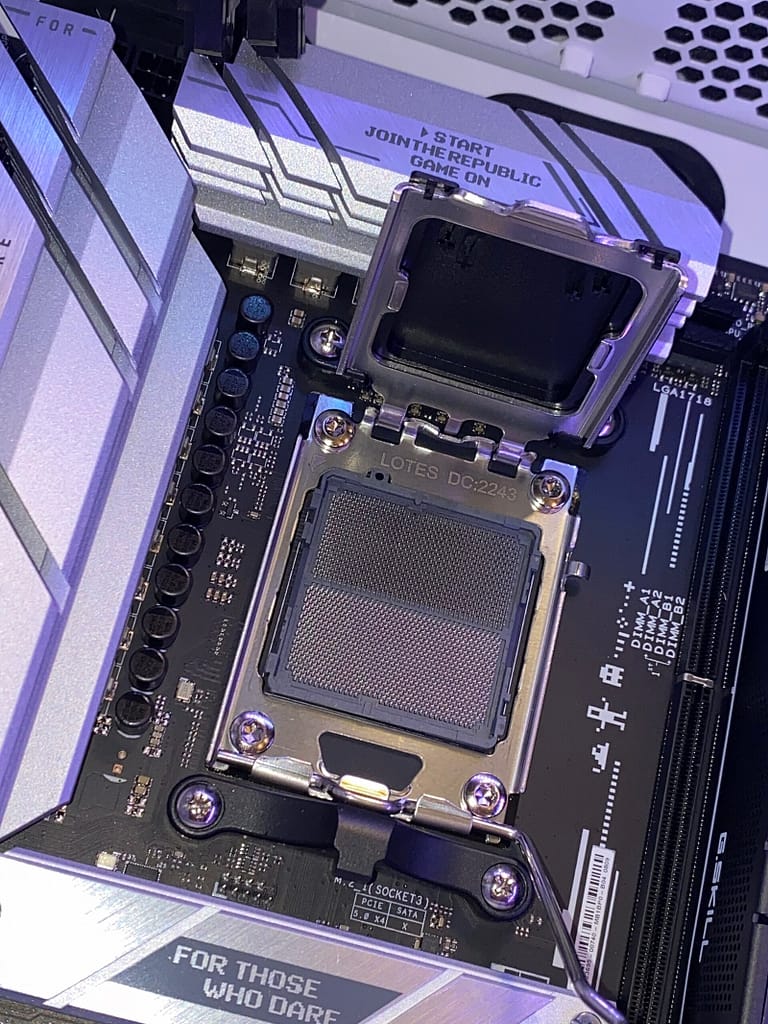
If you’re looking for the ultimate gaming experience, then you’re in the right place. A high-end gaming PC is not just a computer, it’s a statement. Performance is the top priority here, and that means you need the best components the market has to offer. Current technologies like Gen5 SSDs, for example, the Crucial T705 model, offer incredible speeds of up to 14,500 MB/s. That’s exactly what you need for a high-end system.
How to Build a High-End PC
Building a high-end PC can be a real challenge, but with the right components, it becomes a breeze. Here are a few tips that can help you:
- Choose a motherboard like the Asus ROG Strix X870E-E Gaming WiFi AM5, which offers you many options for future upgrades.
- Pay attention to good cooling. The Noctua NH-D15 chromax.black dual-tower cooler is an excellent choice to keep your CPU cool.
- A spacious case like the be quiet! Shadow Base 800 Midi Tower ensures good airflow and makes assembly easier.
Recommended Components for 4K Gaming
For a true 4K gaming experience, you need the best components. Here are some recommendations:
- Graphics card: The Nvidia RTX 4090 is the ultimate when it comes to graphics performance. With 24 GB DDR6 graphics memory, you can connect up to four 4K monitors.
- Processor: An AMD Ryzen 9 5950X offers you 16 cores with 3.4 GHz, which is more than enough for any game.
- Power supply: A powerful power supply like the 850W be quiet! Dark Power 13 ATX 3.0 is necessary to power all the powerful components.
A high-end gaming PC is an investment in the future of gaming. With the right components, you can be sure that you will enjoy the latest games in their best quality for years to come.
If you’re ready to invest in a high-end gaming PC, then get ready for an unparalleled gaming experience. It’s not just a PC, it’s your personal gaming monster.
Tips and Tricks for Building Your Own PC
What to Watch Out for When Assembling
When building your own PC, there are a few things you should definitely keep in mind to avoid frustration. Order is half the battle – sort all parts and tools before you start. Make sure you have enough space to work comfortably.
- Cable management: Neat cable management not only makes maintenance easier but also improves airflow in the case.
- Antistatic measures: Avoid damage to sensitive components by grounding yourself regularly.
- Don’t overtighten screws: Tighten screws only hand-tight to avoid damage.
Avoid Common Mistakes When Building a PC
There are a few typical mistakes that many make when building their first PC. Here are some of them and how you can avoid them:
- Wrong component selection: Make sure all parts are compatible with each other. A quick check of the motherboard connections can help.
- Incorrect cooler installation: Make sure the CPU cooler is seated correctly to avoid overheating.
- Forgotten spacers: These small parts are important to prevent short circuits on the motherboard.
How to Ensure Component Compatibility
Component compatibility is crucial for a functioning PC. Here are a few tips on how to ensure everything fits together:
- Motherboard and CPU: Check the socket type and the motherboard’s compatibility list.
- RAM and motherboard: Pay attention to the supported RAM types and speeds.
- Case size: Make sure your graphics card and cooler fit into the case.
Building a PC can seem intimidating at first, but with the right preparation and a little patience, it becomes a rewarding experience. Don’t be discouraged if not everything works right away – you learn best from mistakes.
Future-Proof Gaming PCs: What to Look For?
Which Components Are Particularly Future-Proof?
If you’re putting together a gaming PC that can keep up in the coming years, some components are particularly important. The graphics card is one of the most crucial factors. Modern games require powerful 3D accelerator cards that support current graphics standards. Opt for a card that can handle at least the latest version of OpenGL or DirectX. Another point is the memory. With at least 16 GB of RAM, you’re well-equipped, but 32 GB is ideal to avoid bottlenecks in the future. Finally, you should opt for an SSD that guarantees fast load times and boosts system performance.
How to Prepare the PC for Future Upgrades
A future-proof PC should always have room for expansions. Make sure the motherboard has enough connection options to later upgrade components like RAM or graphics cards without any problems. A spacious case with enough room for additional fans or larger graphics cards can’t hurt either. Additionally, a strong power supply is important to power more powerful hardware. Consider whether you want to opt for a modular power supply that offers you flexibility with the connections.
Recommended Strategies for Long-Term Investments
To enjoy your gaming PC for a long time, it’s worth investing in high-quality components that don’t become obsolete quickly. Here are some tips:
- Invest in a good graphics card: This largely determines gaming performance.
- Opt for a strong processor: A modern processor with multiple cores offers you enough power for games and other applications.
- Choose a future-proof motherboard: Make sure it supports new technologies to facilitate upgrades later.
The key to a future-proof gaming PC lies in the balance between performance and expandability. A wisely chosen system can bring you joy for many years without having to constantly buy new hardware.
Do you want to learn more about choosing the right components? Check out our buying guide that helps you put together the ideal gaming PC.
Affordable Alternatives to Expensive Gaming PCs
How to Save Money with Used Components
You want to game, but your wallet isn’t that full? No problem! A clever way to save costs is to buy used components. Often you can find well-preserved parts at a fraction of the new price. Especially with graphics cards, you can find real bargains here. Of course, you should pay attention to quality and get the parts from trustworthy sources if possible.
- Check platforms like eBay or classifieds.
- Pay attention to reviews and testimonials.
- Ask about remaining warranty or original receipts.
Recommended Budget Alternatives to Expensive Models
If you don’t necessarily need the very latest components, there are solid alternatives that save your wallet. Here are a few tips:
- Graphics card: The ASRock AMD Radeon RX 7600XT Challenger OC with 16 GB offers decent performance for the price.
- Processor: The AMD Ryzen 7 5700X is a good choice if you can do without the expensive X3D processors.
- Case: The Empire Gaming Gamer Crystal ARGB Midi-Tower is a stylish and affordable home for your hardware.
Tips for Buying Used PC Parts
When buying used parts, there are a few things to keep in mind to avoid getting burned:
- Test the components before buying, if possible.
- Avoid parts without return policy or warranty.
- Don’t buy overclocked or heavily used components.
It’s amazing how much performance you can squeeze out of a budget PC if you make the right decisions. Used parts are a great way to save money while still getting a powerful system.
Want to learn more about current gaming PC setups? Check out various options ranging from affordable to high-end configurations. Maybe you’ll find exactly what you’re looking for without breaking the budget.
Gaming PCs for Special Requirements
PCs for VR Gaming: What Is Needed?
If you want to dive into virtual reality, you need a PC that can handle it. VR gaming places high demands on the hardware, as it not only has to calculate the game graphics in real-time but also smoothly play two screens – one for each eye. Here are the most important components you should keep an eye on:
- Graphics card: A powerful GPU, like the NVIDIA RTX 3070 or better, is a must. It ensures that the VR experience remains smooth and immersive.
- Processor: A fast processor, at least an Intel i5 or AMD Ryzen 5, is important to perform the calculations quickly enough.
- RAM: At least 16 GB of RAM is recommended to keep the games running smoothly.
Streaming and Gaming: The Best Combinations
If you want to game and stream at the same time, you need a machine that can do both well. The trick is to find a balance between CPU and GPU. Here are a few tips:
- Multitasking processor: A processor with multiple cores, like the AMD Ryzen 7, helps you play games and stream at the same time.
- Dual setup: Consider setting up a second PC just for streaming. This relieves your gaming PC.
- Internet connection: A stable and fast internet connection is just as important as the hardware.
Recommended PCs for Creative Applications
Not only gamers need powerful computers, but also for creative applications like video editing or 3D rendering, powerful PCs are in demand. Here are a few considerations:
- Graphics power: A good graphics card is also important here, especially for 3D rendering.
- Storage space: Large SSDs are advantageous for quickly loading and saving large files.
- RAM: For creative applications, 32 GB of RAM is often sensible to process everything smoothly.
Whether VR, streaming, or creative tasks – there is a suitable PC for every requirement. Consider what you really need and plan your budget accordingly. There are many options for gaming PCs that can help you make a decision.
Conclusion
At the end of the day, there is a suitable gaming PC for every budget. Whether you have a small budget or are willing to spend a little more, the options are diverse. With a little research and patience, you can find a system that meets your needs without breaking the bank. And who knows, you might even discover a few bargains that sweeten your gaming experience. So, have fun gaming and remember: The best PC is the one that brings you the most joy!
Frequently Asked Questions
What does an affordable gaming PC cost in 2025?
An affordable gaming PC can be available in 2025 starting at 700 euros, depending on the chosen components and whether used parts are used.
Which graphics card is suitable for beginners?
For beginners, a graphics card like the Nvidia GeForce GTX 1650 or an AMD Radeon RX 6000, which offers a good price-performance ratio, is suitable.
How can I save money when buying a gaming PC?
You can save money by buying used components or looking for deals and discounts. Building a PC yourself can also be more cost-effective.
Which components are important for a future-proof gaming PC?
Important components for a future-proof gaming PC are a powerful CPU, a modern graphics card, and sufficient RAM, ideally 16 GB or more.
Can I play current games with a budget PC?
Yes, with a well-assembled budget PC, you can also play current games, although possibly not at the highest graphics settings.
What are the advantages of building your own gaming PC?
Building your own gaming PC offers the opportunity to choose components individually and often save costs, plus you learn more about the technology.


